monday dev: AI Features, Pricing and How to Use It
monday dev is monday.com’s product for software teams, built on the monday.com Work OS and covering roadmaps, sprints, and releases. Its AI comes through monday agents and AI features embedded in the boards. This overview covers features, pricing (including how AI credits work and where they may not apply), and a sprint workflow.
At a Glance
| At a glance | |
|---|---|
| Best for | Teams that want development planning on the same platform as sales, customer success, and marketing work, with no-code agents |
| Free plan | Not confirmed for monday dev; monday Work Management has a Free plan for 2 seats |
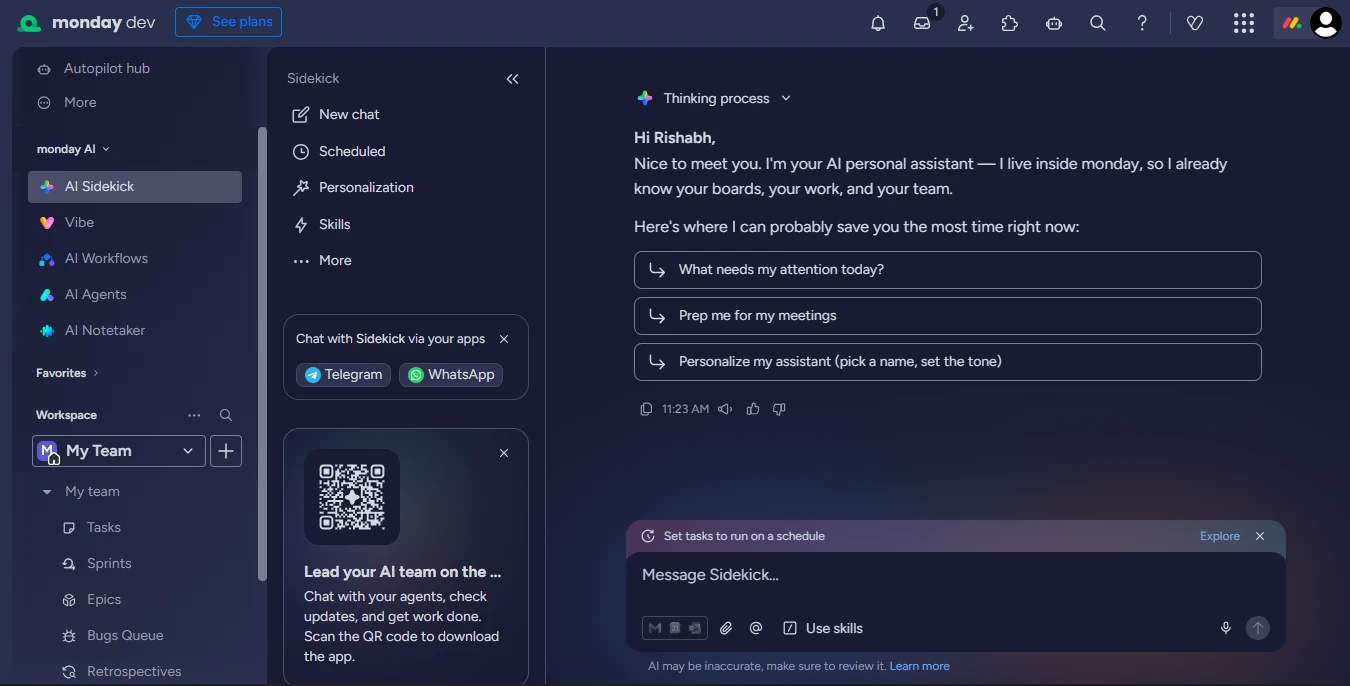
| AI layer | monday agents (including Sprint Planner), AI workflows, AI categorise, AI assistant, MCP |
| Pricing model | Per seat per month with a 3-seat minimum (reported); separate product from Work Management |
| Deployment | Cloud (web, iOS, and Android) |
| Official site | monday.com/dev |
What It Is
monday dev launched in 2023 as a product for development teams on top of monday.com’s low-code Work OS. It provides sprint management, roadmaps, bug queues, and release tracking, with integrations for GitHub, GitLab, and Jira. Because it shares a platform with sales, customer success, and marketing boards, agents can draw on feedback and work data from outside engineering.
monday.com rebranded as an “AI Work Platform” in May 2026 and describes monday agents as autonomous workers that live on your boards and act within your permissions.
AI Capabilities
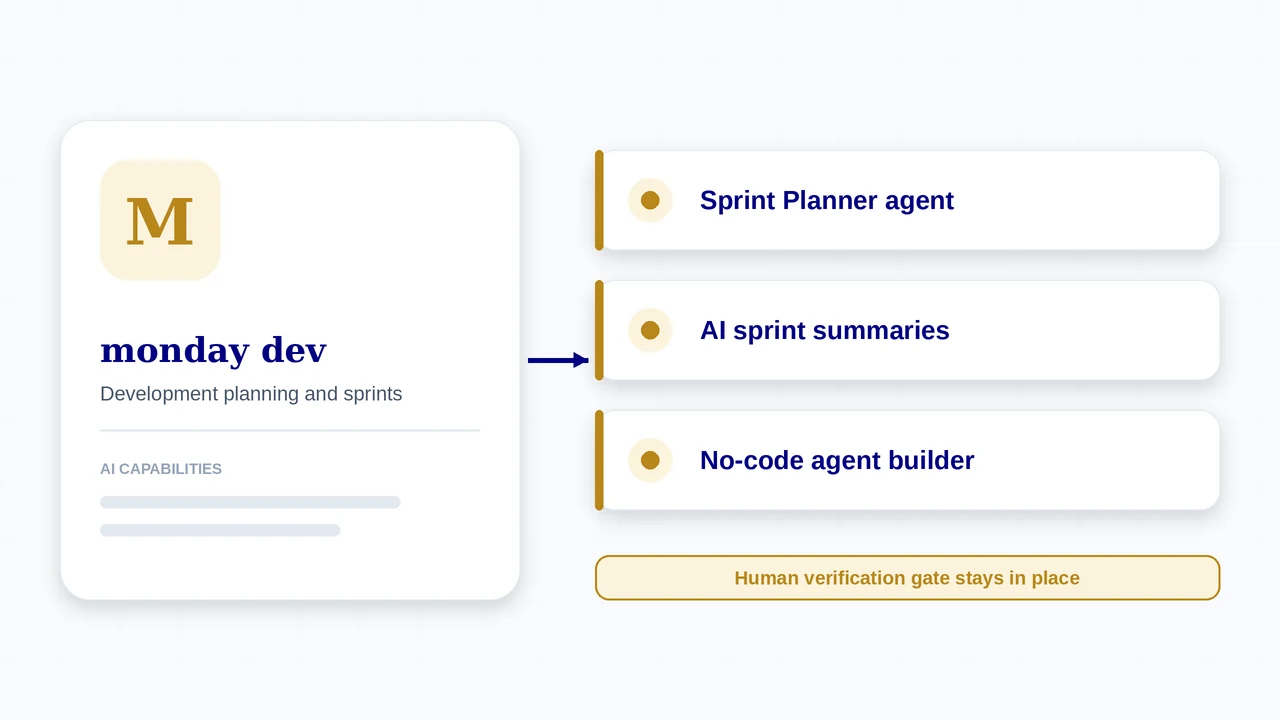
- A ready-made Sprint Planner agent that organises the backlog and drafts sprint goals around team capacity, and AI sprint summaries covering what shipped and what rolled over
- Agents for bug prioritisation and feedback synthesis, plus a no-code agent builder whose agents follow the permissions you set
- AI workflow builder with Start Sprint and Complete Sprint blocks, so sprint boundaries can be automated
- Connections to GitHub, Jira, and Slack, MCP and open APIs, and the option to send tasks directly to Cursor from monday dev
- AI categorisation that can classify incoming requests and assign them by team, useful for bug queues
Plans and Pricing
monday.com blocks automated access, so these prices are third-party reports of its pricing pages (June 2026). monday dev is priced separately from monday Work Management, and sources differ in detail, so treat the figures as guidance and confirm on monday.com.
| Plan | Price | What you get |
|---|---|---|
| Basic (dev) | About $9 per seat per month on annual billing (reported) | Sprint and backlog management basics; 3-seat minimum reported for monday plans. |
| Standard (dev) | About $12 per seat per month on annual billing (reported) | More views, integrations, and automation than Basic. |
| Pro (dev) | About $20 per seat per month on annual billing (reported) | Advanced workflows and higher automation limits. |
| Enterprise | Custom quote | Enterprise security, governance, and support. |
| monday Work Management (for reference) | Free (2 seats); Basic $9, Standard $12, Pro $19 per seat per month on annual billing | A different product from monday dev; shown only because its AI credit model is documented. |
How AI Is Charged
- monday.com’s own support article says its credit-based AI pricing model applies to the monday AI work platform and does not affect monday dev, monday CRM, or monday service. So confirm in writing how AI and agents are charged for monday dev specifically.
- For the AI work platform, monday documents monthly AI credits by plan (1,000 on Basic, 2,000 on Standard, 3,000 on Pro) with credits consumed by agents, workflows, and AI blocks, and credit consumption for agents starting June 8, 2026 on Pro plans and below.
- monday states agents are available on all paid plans, starting at $9 per seat per month.
- Paid plans are reported to need a minimum of three seats, and monthly billing costs more than annual.
How to Get Started
- Create a monday dev workspace and set up the sprint boards (backlog, sprints, and bugs), using the built-in templates.
- Connect GitHub (and Jira if you are migrating) so commits and pull requests show on items.
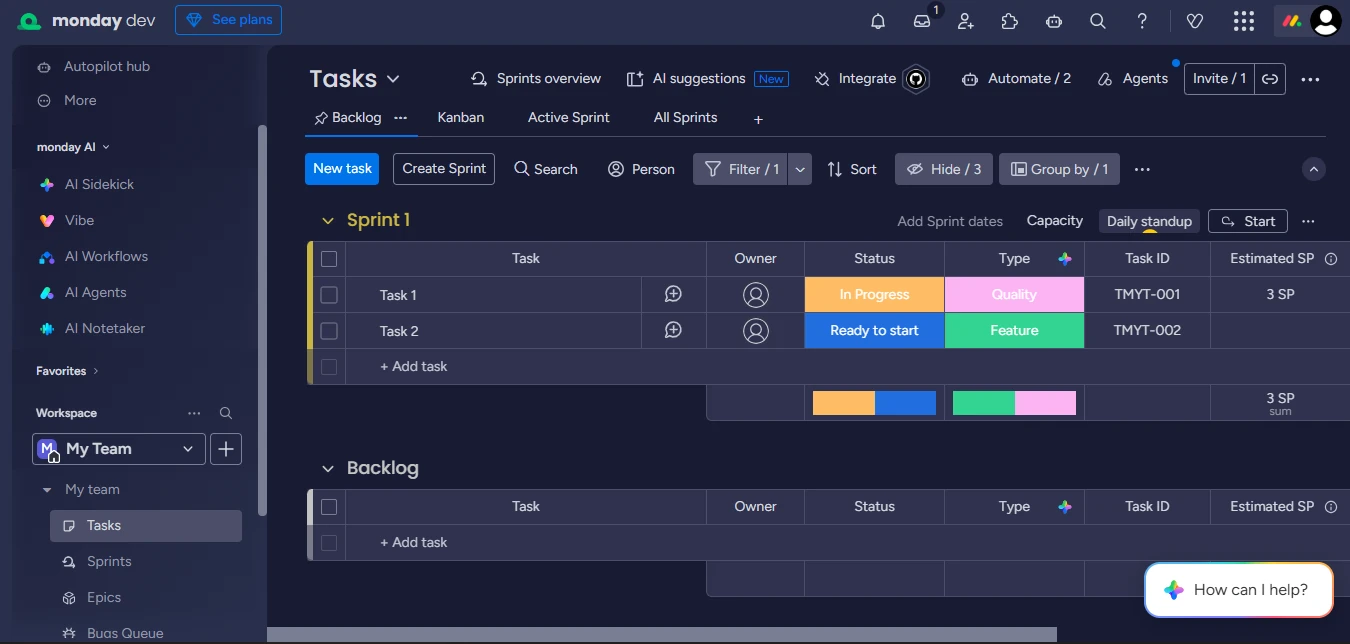
- Open the AI workflow builder from the left pane and describe the workflow you want; add Start Sprint and Complete Sprint blocks to automate sprint boundaries.
- Add an AI categorise action to a Status column on your bug queue so new requests are classified and assigned by team.
- Review the Sprint Planner agent’s permissions before enabling it, and write your Definition of Done into your item template.
A typical AI-assisted sprint in monday dev
- Plan. Before planning, the Sprint Planner agent analyses past velocity and current capacity to propose sprint scope. Review its plan on the sprint board.
- Commit. The team adjusts assignments and confirms commitments. The agent proposes; the team decides.
- Run the sprint. Workflows can start and complete sprints on a schedule (for example, complete every Friday at 4 pm and start the next on Monday) and post to Slack.
- Triage. AI categorise sorts incoming bugs, and agents can prioritise bugs and synthesise feedback.
- Hand off code. Send tasks directly to Cursor from monday dev where that fits your process.
- Close. At sprint close, the AI sprint summary compiles what shipped and what rolled over; a person verifies completion against the Definition of Done.
Who It Fits
A good fit when
- Engineering shares a platform with other departments that already use monday.com
- You want no-code agent building with permission controls
- You value visual, highly customisable boards
- You want automatic sprint start and completion workflows
Watch out for
- AI pricing for monday dev is unclear: monday says its credit model does not apply to monday dev, so get it in writing
- 3-seat minimum and tiered plans raise the floor for small teams
- Customisation depth can overwhelm new users (reported by reviewers)
- Fewer developer-native features than Jira or Linear; test code-review workflows on a pilot
What’s New
- monday agents are generally available and, according to monday.com, offered on all paid plans; check its pricing page for current details.
- monday.com rebranded as an AI Work Platform in May 2026, and credit-based billing for monday AI became mandatory for Pro plans and below from June 8, 2026 (for the AI work platform).
- Agents can be assigned, reviewed, and managed from the monday.com mobile apps.
- AI workflow builder sprint blocks (Start Sprint, Complete Sprint) let you automate sprint boundaries.
Features, plans, and prices for AI change quickly. Confirm availability, pricing, and data handling on the official monday dev site before you commit. monday.com blocks automated access, so details come from its published guides and support articles. monday dev prices are third-party reports and need confirming.
Using It in AI-Augmented Scrum
A platform’s AI features do not change who is accountable for what ships. This table maps the platform to each Scrum event, and the cards below show how it connects to the framework.
| Scrum event | What the platform offers | What stays with the Scrum Team |
|---|---|---|
| Sprint Planning | Sprint Planner agent proposes scope from velocity and capacity | The team confirms commitments and the Sprint Goal |
| Daily Scrum | AI suggestions support the daily standup on monday dev | The team inspects progress toward the Sprint Goal |
| Review | Items link to GitHub activity; agents flag at-risk items | People verify output and accept it against the Definition of Done |
| Retrospective | AI sprint summary compiles shipped, rolled-over, and velocity trends | The team decides what to change in planning and agent use |
Proposal, not commitment
The Sprint Planner agent proposes scope. Sprint Planning commitments still belong to the Scrum Team, so treat the output as input to that conversation.
Retro input
AI sprint summaries give you shipped versus rolled-over data to bring into the retrospective.
Permissions
Agents operate inside monday’s permission model. Review what each agent can read and write before widening access.
Frequently Asked Questions
Does monday dev have a free plan?
Not confirmed. monday Work Management has a Free plan for two seats, but monday dev is a separate product, so check its current plans on monday.com.
How does monday charge for AI?
monday’s AI work platform uses monthly AI credits. Its support article says that model does not affect monday dev, so confirm how agents and AI are billed for monday dev.
Can monday dev plan a sprint with AI?
Yes. The Sprint Planner agent analyses velocity and capacity to propose scope, and you review and confirm the plan on the sprint board.
Can monday dev send tasks to coding agents?
Yes. You can send tasks directly to Cursor from monday dev, and connect other tools through MCP and open APIs.
Sources
- monday.com: how product and engineering teams use monday agents in 2026
- monday.com: AI software engineering
- monday support: Using AI in monday dev
- monday support: Sprint management workflow builder blocks
- monday support: The pricing model for monday AI portfolio
- monday.com pricing 2026 (third-party)
- monday.com press release: launch of monday dev
monday dev and its logo are trademarks of their respective owners. AI-Augmented Scrum is not affiliated with or endorsed by the vendor. Prices are list prices at the time of checking, exclude tax, and change often. Screenshots show the vendor’s product or a product demo on its website and are used for identification and review.
Put It to Work
Use the framework tools alongside monday dev: route the work, define done, and inspect the sprint.
AI Scrum Master
Acceleration Course
An Interactive Hands-on course for Scrum Masters, Agile Coaches, and Agile Leaders
VIEW DETAILS