Linear: AI Features, Pricing and How to Use It
Linear describes itself as the product development system for teams and agents, purpose-built for planning and building products with AI agents. This overview covers its AI features, plans and pricing, and a concrete issue-to-pull-request workflow.
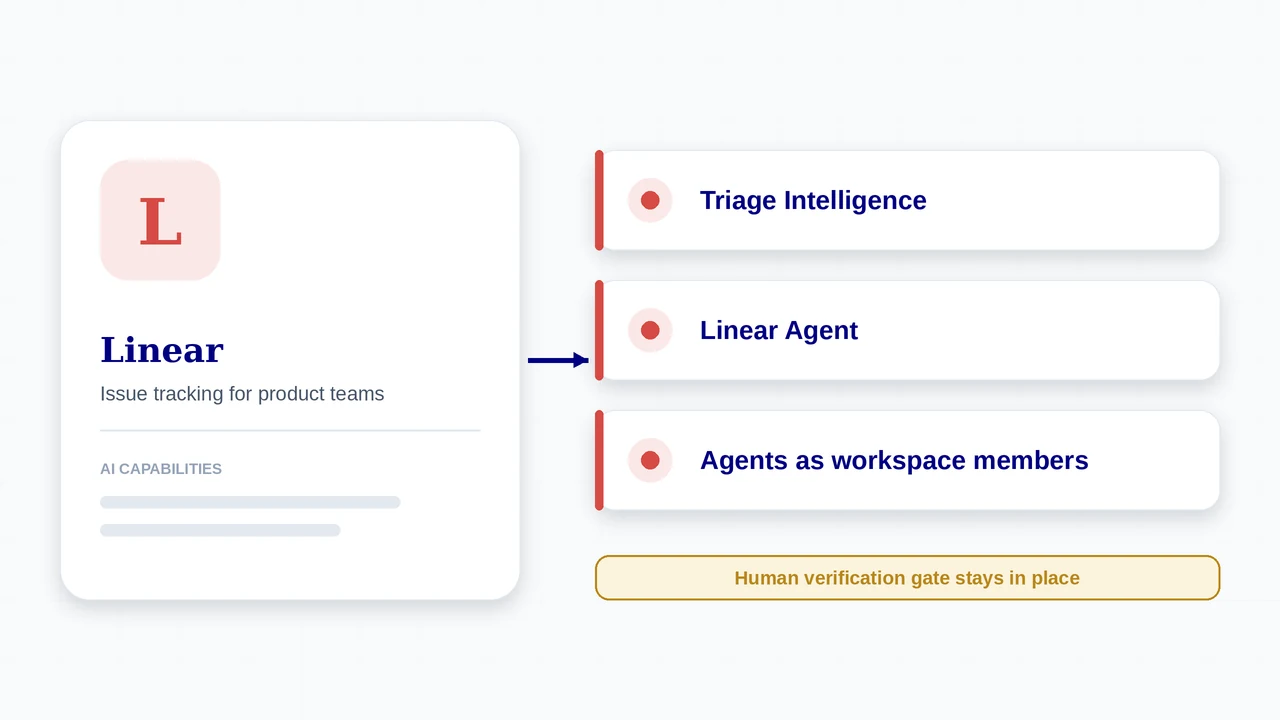
At a Glance
| At a glance | |
|---|---|
| Best for | Product and engineering teams that want a fast, opinionated tracker with agents built into the workflow |
| Free plan | Yes, for small teams (reported limit of about 250 issues) |
| AI layer | Linear Agent, Triage Intelligence, Linear for Agents, coding sessions, Loops, MCP server |
| Pricing model | Per user per month, billed yearly; Enterprise by quote |
| Deployment | Cloud (web, desktop, and mobile apps) |
| Official site | linear.app |
What It Is
Linear is an issue tracker and product planning tool built mainly for software teams, known for speed and a focused, keyboard-driven workflow. Its AI features sit inside that workflow: conversations and customer feedback become routed, labelled issues, agents can take work, and pull requests are reviewed in the same place. Linear says it powers over 40,000 product teams.
Core objects are issues, projects, cycles (its sprints), initiatives, and roadmaps, with Git automations that move issues as pull requests progress.
AI Capabilities
- Intake: Linear Asks, Customer Requests, and Triage turn conversations and feedback into issues that are routed, labelled, and prioritised
- Triage Intelligence suggests or applies assignees, teams, labels, and projects from your team’s history, and links similar issues
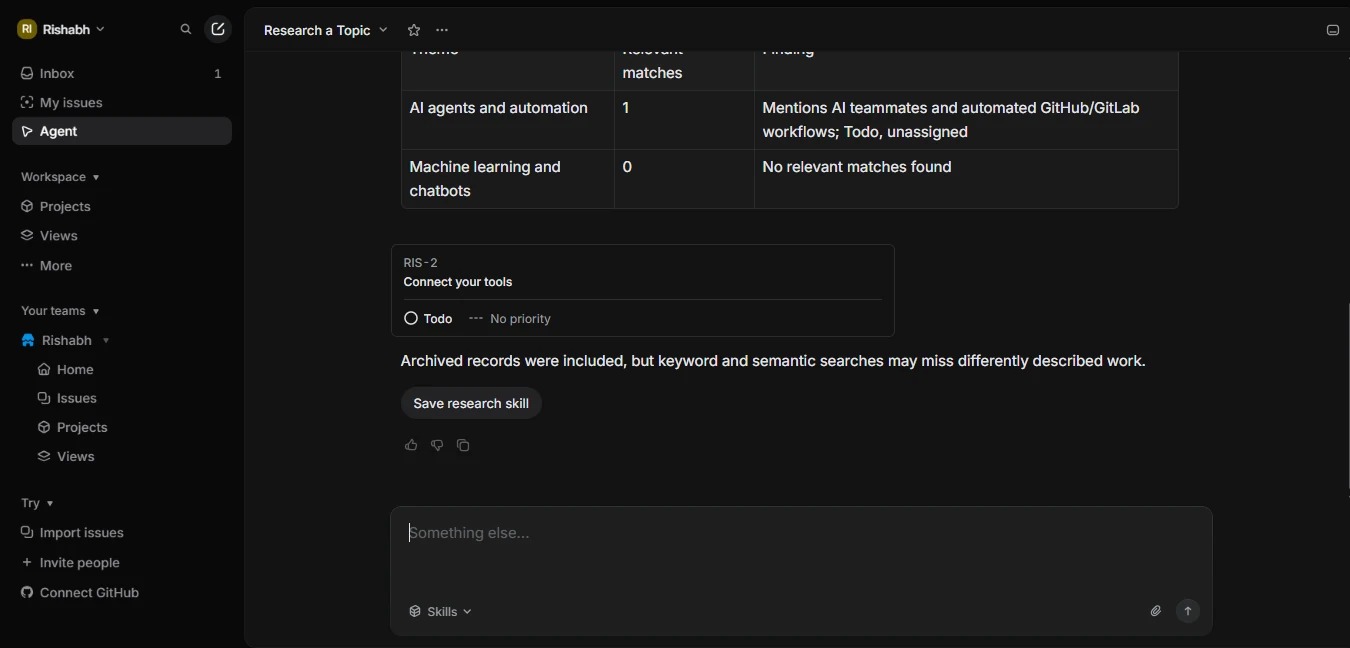
- Linear Agent: ask questions across your workspace, rank customer requests, and add issues to projects
- Linear for Agents: agents from other vendors (its site shows Cursor and ChatPRD) work alongside people, you can build your own through the API, and an MCP server connects Linear to tools such as Cursor, Claude, and ChatGPT
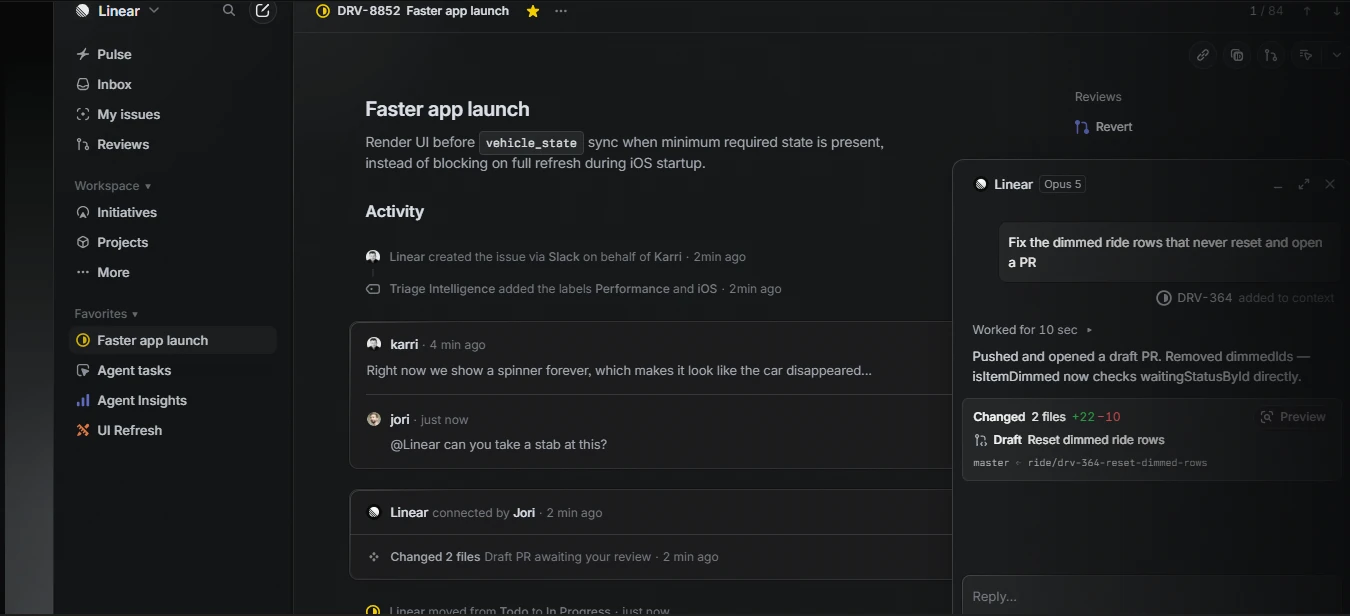
- Coding sessions: assign a task to Linear Agent and it works in a secure cloud environment to write and test the code before opening a pull request for review
- Build and review: Diffs, guided reviews, Git automations, Cycles, Releases, Initiatives, Projects, and Pulse. Linear states that customer information is never used to train AI models
Plans and Pricing
Prices are reported from Linear’s public pricing page by several third-party trackers (June to August 2026) and agree with each other. Older articles show lower prices ($8 and $12 to $14) from before the plans were repriced, so ignore those.
| Plan | Price | What you get |
|---|---|---|
| Free | $0 | Small teams; reported cap of about 250 issues. Agent integrations are available. |
| Basic | $10 per user per month, billed yearly | Up to 5 teams, unlimited issues and file uploads, admin roles. |
| Business | $16 per user per month, billed yearly | Unlimited teams, private teams, guests, Triage Intelligence and other advanced intelligence, Insights, extra integrations. |
| Enterprise | Custom annual pricing | SAML, SCIM, audit controls, advanced organisation modelling, invoice billing, enterprise support. |
How AI Is Charged
- Seat prices are flat per user, but trackers report that Linear meters AI credits for certain agent features, such as coding sessions and Loops, as of mid-2026. Check the current credit allowances on Linear’s pricing page.
- Reported: paid plans are billed yearly, not monthly; guests may need paid seats; SSO, SCIM, and advanced security are Enterprise-only.
- Linear states customer data is never used to train AI models. Confirm this against your own security review.
How to Get Started
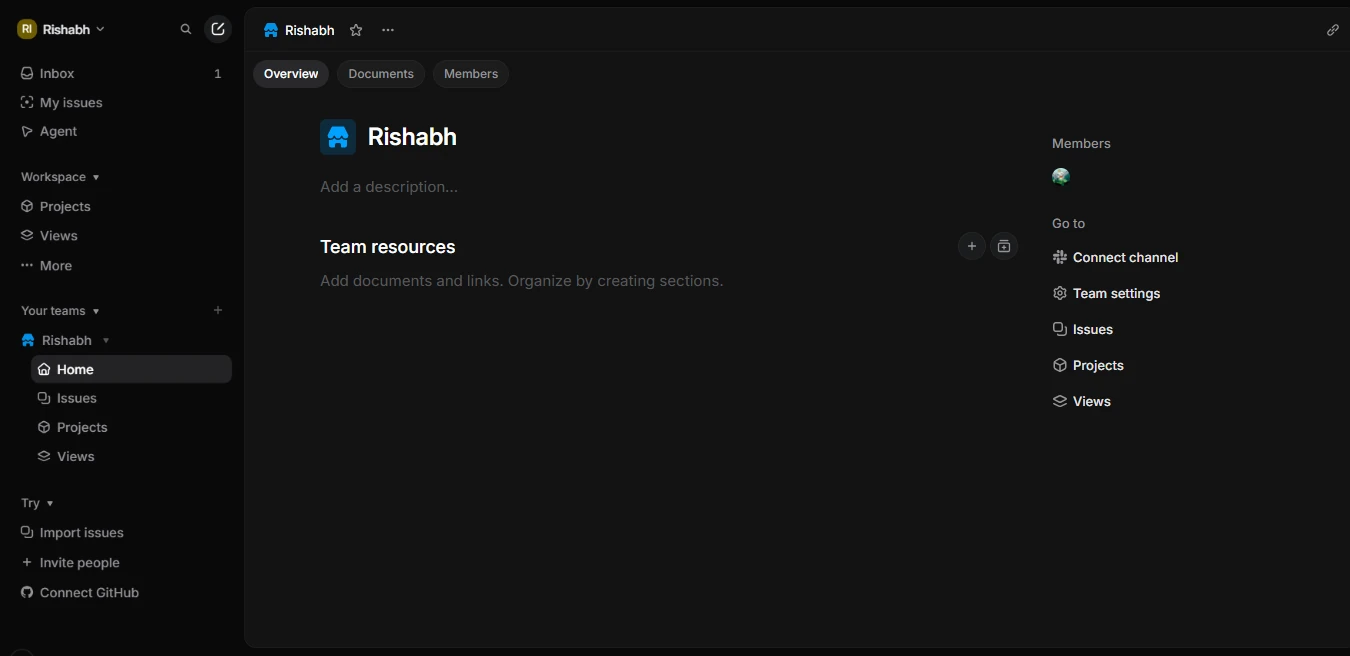
- Create a workspace and a team, then import issues from your current tracker if needed.
- Connect GitHub or GitLab so Git automations move issues as branches and pull requests progress.
- Connect Slack and any support or feedback tools so Asks and Customer Requests can create issues for triage.
- Install the agents you want (for example Cursor or your own) from the integrations, and connect the Linear MCP server to your AI tools.
- Turn on Triage and review its suggestions for a sprint before letting it apply labels automatically; write your Definition of Done into the team workflow.
From issue to reviewed pull request in Linear
- Intake. A teammate reports a problem in Slack; Linear creates the issue, and Triage Intelligence adds labels from your history.
- Delegate. Someone asks Linear Agent to take a stab at it, or assigns the task to a coding session. Linear works in a secure cloud environment.
- Draft. The agent writes and tests code and opens a draft pull request; the issue moves to In Progress and shows the draft PR awaiting review.
- Review. A person reviews in Linear Diffs, including stacked pull requests, with review, CI, and merge status in view.
- Merge and close. Git automations move the issue as the pull request merges.
- Repeat. Use Loops for recurring checks such as weekly triage or stalled-work reviews, and review what they changed.
Who It Fits
A good fit when
- You want a fast tracker with intake, planning, and code review in one place
- You run several coding agents and want one place to assign and review their work
- Your process is cycle-based and engineering-led
- You value an opinionated, low-clutter interface
Watch out for
- Basic and Business are billed yearly only (reported), so there is less room to trial paid features monthly
- AI credit metering for coding sessions and Loops means agent-heavy teams should model usage
- Less configurable than Jira for complex enterprise workflows
- SSO and SCIM are Enterprise-only
What’s New
- Oct 8, 2026: stacked pull requests are shown in Linear Diffs, with review, CI, and merge status at a glance.
- Sep 24, 2026: new controls for the Linear coding agent. Linear describes coding sessions as the shortest path from issue to diff.
- Sep 10, 2026: Loops, Linear’s recurring agent workflows, respond to more workspace activity (initiatives, projects, cycles) and can edit documents and post updates to Slack.
- Sep 3, 2026: a Priority tab in the inbox separates what needs attention from what can wait.
Features, plans, and prices for AI change quickly. Confirm availability, pricing, and data handling on the official Linear site before you commit. Product details and dates come from Linear’s own site and changelog. Prices come from third-party trackers of Linear’s pricing page.
Using It in AI-Augmented Scrum
A platform’s AI features do not change who is accountable for what ships. This table maps the platform to each Scrum event, and the cards below show how it connects to the framework.
| Scrum event | What the platform offers | What stays with the Scrum Team |
|---|---|---|
| Sprint Planning | Cycles plan the sprint; Triage Intelligence and Linear Agent help sort and prioritise incoming work | The team commits to the cycle and decides which work goes to agents |
| Daily Scrum | Pulse and the priority inbox show what needs attention; agents report progress on assigned issues | The team inspects progress toward the Sprint Goal |
| Review | Diffs, guided reviews, and stacked pull requests support review of agent output | People review and accept work against the Definition of Done |
| Retrospective | Insights and Loops can gather data; agent sessions leave a record on each issue | The team decides what to change in intake, prompts, and review |
Accountability
Linear lets agents take assigned work while a person stays involved as the reviewer. That mirrors the framework: the agent is capacity, the person is accountable.
Routing
Triage Intelligence suggests where work goes. Use the Work Router to decide whether an item should go to an agent at all.
Verification
Diffs and stacked pull requests target the review bottleneck. Review still needs to be a real gate, so keep it in your Definition of Done.
Frequently Asked Questions
Is Linear free?
Yes, there is a Free plan for small teams, reported at about 250 issues. Basic is $10 and Business is $16 per user per month, billed yearly.
Can Linear agents write code?
Yes. Coding sessions let you assign a task to Linear Agent, which works in a secure cloud environment, writes and tests code, and opens a pull request for review.
Can I use other AI agents in Linear?
Yes. Linear for Agents supports third-party agents such as Cursor, and you can build your own with the API. An MCP server connects Linear to tools like Claude and ChatGPT.
Does Linear use my data to train AI?
Linear states that your information is never used to train AI models. Verify this in your own security review.
Sources
- Linear (official homepage and changelog)
- Linear: AI workflows
- Linear docs: AI at Linear
- Linear changelog: stacked pull requests
- Linear pricing 2026 (third-party)
- Linear pricing blueprint (third-party)
Linear and its logo are trademarks of their respective owners. AI-Augmented Scrum is not affiliated with or endorsed by the vendor. Prices are list prices at the time of checking, exclude tax, and change often. Screenshots show the vendor’s product or a product demo on its website and are used for identification and review.
Put It to Work
Use the framework tools alongside Linear: route the work, define done, and inspect the sprint.
AI Scrum Master
Acceleration Course

An Interactive Hands-on course for Scrum Masters, Agile Coaches, and Agile Leaders
VIEW DETAILS