Jira / Atlassian Rovo: AI Features, Pricing and How to Use It
Atlassian positions Jira as the place where a human-AI team tracks its work. Rovo, Atlassian’s AI layer, sits inside Jira and across Confluence and the wider Atlassian platform. This overview covers what it does, what it costs, and how to run an AI-assisted sprint with it.
At a Glance
| At a glance | |
|---|---|
| Best for | Software and business teams already on Atlassian, or that need deep workflow configuration, Confluence docs, and enterprise governance |
| Free plan | Yes, up to 10 users |
| AI layer | Rovo (search, chat, agents, studio), with usage metered in credits |
| Pricing model | Per user per month, tiered by seat count; Enterprise by quote |
| Deployment | Atlassian Cloud; Data Center is self-managed (reported: new Data Center licences ended sale in March 2026) |
| Official site | atlassian.com/software/jira |
What It Is
Jira is Atlassian’s work management and issue-tracking platform, used for backlogs, sprints, boards, roadmaps, and workflows. It began as a bug tracker and now serves software and business teams alike, with configurable project templates, automations, reporting, and a large integrations ecosystem. Atlassian’s own pitch is that Jira is where people and AI agents track progress together: you assign work to agents and stay in control of the outcome.
Jira is usually bought alongside Confluence (documentation), Loom (video), and Rovo (AI). The Teamwork Collection bundles those together.
AI Capabilities
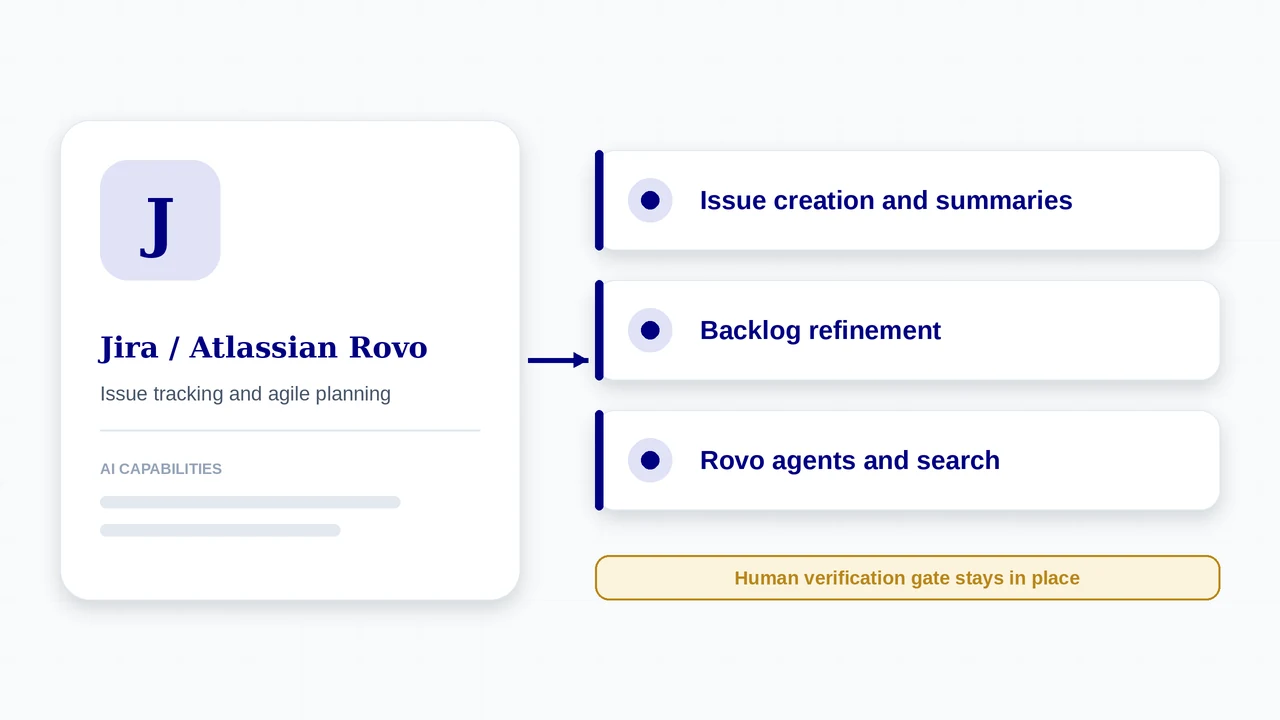
- Rovo captures work from Confluence, Slack, email, your IDE, and even images, then helps break big ideas down, polish descriptions, and surface similar work items and related Confluence pages
- Rovo project management skills: create work items, update work items, and draft status updates from Rovo chat
- Rovo agents, including out-of-the-box ones such as a Work Readiness Checker, plus third-party agents; you can assign work to agents, and Rovo Dev is positioned to turn Jira work items into code
- Teamwork Graph, which connects your organisation’s knowledge to agents so they have context
- Search and chat, with admin governance: separate permissions for using AI and for building agents, usage analytics, and controls over external AI tools connecting through Rovo MCP servers
Plans and Pricing
Prices below are list prices reported from Atlassian’s public pricing page in mid to late 2026 (checked by third parties in June and September 2026). Atlassian uses tiered per-user pricing, so the rate per user falls as your seat count grows, and monthly and annual billing differ.
| Plan | Price | What you get |
|---|---|---|
| Free | $0, up to 10 users | Scrum and Kanban boards, backlog, unlimited projects and work items; reported 2 GB storage and 150 automation steps per month. No Rovo credits. |
| Standard | About $7.91 per user per month on monthly billing (annual billing reported lower, around $6.52) | User roles and permissions, external collaboration, 250 GB storage, 400 automation steps per user per month; Rovo included with about 25 credits per user per month (reported). |
| Premium | About $14.54 per user per month on monthly billing | Cross-team planning and dependency management, unlimited storage, 750 automation steps per user per month, 99.9% uptime SLA; about 70 Rovo credits per user per month (reported). |
| Enterprise | Custom quote (sold annually) | Multiple sites (up to 150), advanced analytics and data lake, unlimited automation, advanced security and admin; about 150 Rovo credits per user per month (reported). |
How AI Is Charged
- Rovo is metered in credits. Atlassian states that Search does not consume credits, while Chat and agent requests do, so heavy agent use is what you budget for.
- Atlassian says that to use all Rovo AI features (search, chat, agents, studio) you need a Premium or Enterprise Cloud plan. Third-party sources disagree on how much AI Standard includes, so ask for the plan-by-plan AI entitlements in writing before you buy.
- Extra Rovo credits are sold as an add-on to existing plans; admin analytics track AI usage by site and date range.
- If AI is deactivated, Rovo’s search and studio apps still work, but Chat and agents are unavailable.
How to Get Started
- Create a Jira Cloud site and a Scrum or Kanban project. The Free plan covers up to 10 users, so you can try the workflow before paying.
- Start a Rovo trial or confirm Rovo is enabled for your plan; Atlassian offers a free trial of Rovo with Jira, Confluence, and Jira Service Management.
- Connect the sources your agents will need (Confluence spaces, Slack, and other tools) so Rovo has context through Teamwork Graph.
- Decide who can use AI and who can build agents. Admins can grant these separately.
- Write your Definition of Done into the project (see the Definition of Done Generator) so agent work has a clear exit gate.
A typical AI-assisted sprint in Jira
- Capture. Ask Rovo to create work items from a Confluence page, Slack thread, email, or screenshot.
- Refine. Use Rovo to break large items into smaller ones, polish descriptions, and surface similar items and related pages.
- Check readiness. Atlassian lists a Work Readiness Checker agent among its out-of-the-box agents; check Atlassian’s documentation for exactly what it validates.
- Route. Decide per item whether a person, an agent, or both take it (use the Work Router), then assign accordingly. Rovo Dev can take a work item toward code.
- Report. Ask Rovo chat to draft a status update for stakeholders from the sprint’s work items.
- Verify. A person reviews the output against the Definition of Done before the item moves to Done.
Who It Fits
A good fit when
- You already use Confluence, Loom, or Jira Service Management and want AI across all of them
- You need fine-grained workflows, permissions, and audit controls
- You want admin governance over who can build and run agents
- Your teams include non-engineering groups that share the same platform
Watch out for
- Per-user, tiered pricing plus separate Rovo credits makes total cost harder to predict
- Plan entitlements for AI differ by tier and by source, so confirm before buying
- Configuration depth means setup and admin effort are real
- Jira Service Management, Confluence, and Jira Product Discovery are priced separately
What’s New
- Atlassian says Rovo is available on Standard, Premium, and Enterprise Cloud plans of Jira, Confluence, Jira Service Management, or the Teamwork Collection, and that using all of its AI features requires Premium or Enterprise.
- At Team ’26, Atlassian extended Rovo with a Max reasoning mode (early access, announced as coming soon), context-aware search, and stronger admin governance over agents and AI credit consumption.
- Admin controls now include separating AI-use permissions from agent-building permissions and governing which external AI tools can connect through Rovo MCP servers.
- The Teamwork Collection bundles Jira, Confluence, Loom, and Rovo in one package.
Features, plans, and prices for AI change quickly. Confirm availability, pricing, and data handling on the official Jira site before you commit. Atlassian’s own pages were read for product details; prices come from third-party reports of its public pricing page, and those sources disagree on some AI entitlements and trial length.
Using It in AI-Augmented Scrum
A platform’s AI features do not change who is accountable for what ships. This table maps the platform to each Scrum event, and the cards below show how it connects to the framework.
| Scrum event | What the platform offers | What stays with the Scrum Team |
|---|---|---|
| Sprint Planning | Rovo helps break down and refine work items and find related items | The team commits to the sprint goal and capacity |
| Daily Scrum | Rovo chat can summarise work item status and draft updates | The team inspects progress toward the Sprint Goal |
| Review | Items assigned to agents surface as work items and linked changes | People verify output and accept it against the Definition of Done |
| Retrospective | Search across Jira and Confluence to gather evidence; Rovo credit and usage analytics show AI cost | The team chooses what to change in its process and agent setup |
Cost per merged change
Rovo credits meter AI use. Include that spend when the Retro Kit asks for cost, so agent value is judged on merged work.
Who can build agents
Admins can separate AI use from agent-building rights. Decide deliberately who may create agents, since an agent is capacity someone must be accountable for.
Verification
Atlassian says you stay in control while agents work. In practice that means the human verification gate and your Definition of Done still decide what ships.
Frequently Asked Questions
Does Jira have a free plan?
Yes. The Free plan supports up to 10 users with Scrum and Kanban boards. It does not include Rovo credits.
Is Rovo included in Jira?
Rovo is available on paid Cloud plans, with monthly credit allowances that rise by tier. Atlassian states that all Rovo AI features need Premium or Enterprise, so check what your plan includes.
Can Jira agents write code?
Atlassian positions Rovo Dev to turn Jira work items into code and supports assigning work to Rovo and third-party agents. Treat the output as a proposal that still needs human review.
How does Jira charge for AI?
Through Rovo credits: Search does not consume credits, while Chat and agent requests do. Extra credits are sold as an add-on.
Sources
- Atlassian: Jira AI (official)
- Atlassian Team ’26: changes across Jira, Confluence, Rovo and more (third-party recap)
- Jira pricing 2026: plans, limits and total cost (third-party)
- Jira product facts, checked 20 Sep 2026 (third-party)
- How Atlassian Cloud pricing works in 2026 (third-party)
Jira / Atlassian Rovo and its logo are trademarks of their respective owners. AI-Augmented Scrum is not affiliated with or endorsed by the vendor. Prices are list prices at the time of checking, exclude tax, and change often. Screenshots show the vendor’s product or a product demo on its website and are used for identification and review. Frames marked “Screenshot placeholder” have not been replaced yet.
Put It to Work
Use the framework tools alongside Jira / Atlassian Rovo: route the work, define done, and inspect the sprint.
AI Scrum Master
Acceleration Course
An Interactive Hands-on course for Scrum Masters, Agile Coaches, and Agile Leaders
VIEW DETAILS