Azure DevOps: AI Features, Pricing and How to Use It
Azure DevOps is Microsoft’s suite for planning, source control, CI/CD, and testing. For AI, Microsoft connects it to GitHub Copilot: you can hand a work item to a coding agent from Azure Boards. This overview covers pricing for both Azure DevOps and the Copilot licence you need, plus exact setup steps.
At a Glance
| At a glance | |
|---|---|
| Best for | Teams on the Microsoft ecosystem that want boards, pipelines, and testing in one suite, and use GitHub repositories with Copilot |
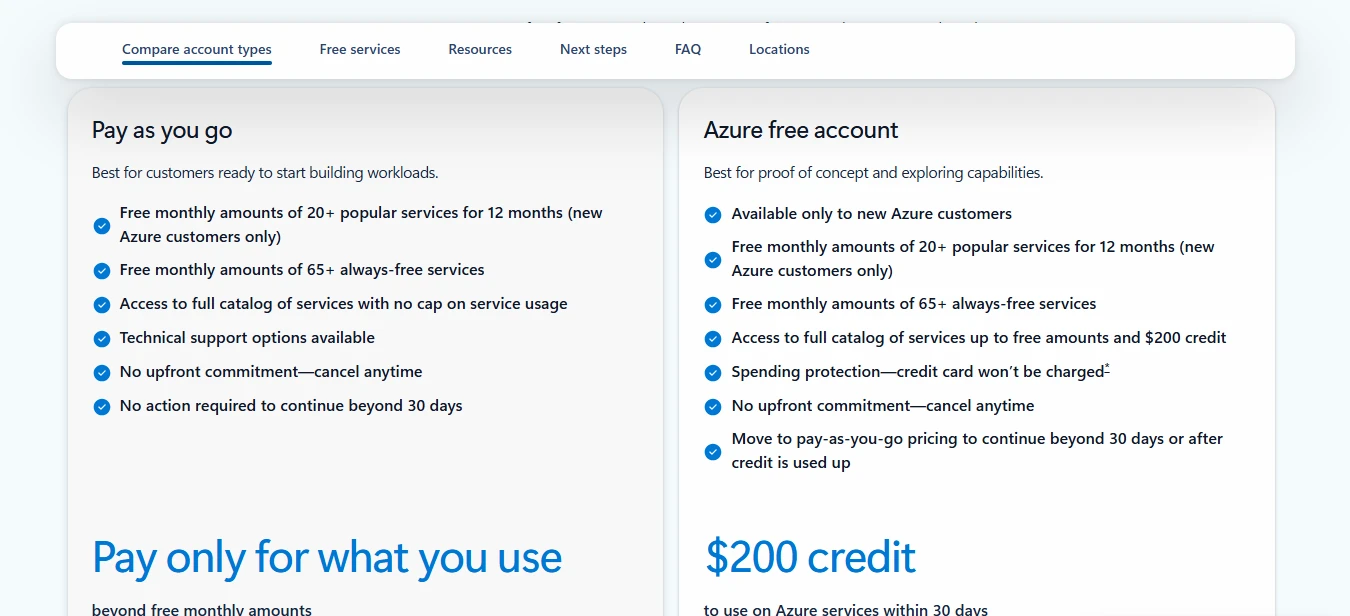
| Free plan | Yes: first 5 Basic users free; unlimited free Stakeholders |
| AI layer | GitHub Copilot coding agent from Azure Boards; Azure DevOps MCP Server |
| Pricing model | Per user per month, plus pipelines and storage, plus a GitHub Copilot licence for AI |
| Deployment | Azure DevOps Services (cloud) and Azure DevOps Server (self-hosted) |
| Official site | azure.microsoft.com/products/devops |
What It Is
Azure DevOps bundles Azure Boards (work tracking), Azure Repos, Azure Pipelines, Azure Test Plans, and Azure Artifacts, and lets you use the whole suite or only the parts you need. Boards supports Agile, Scrum, CMMI, and custom process templates, with Kanban boards, backlogs, and sprint planning.
Rather than a separate agent of its own, Azure DevOps integrates with GitHub Copilot and offers an MCP server so Copilot can work with your Azure DevOps data. Microsoft also says Azure DevOps Basic is included with GitHub Enterprise.
AI Capabilities
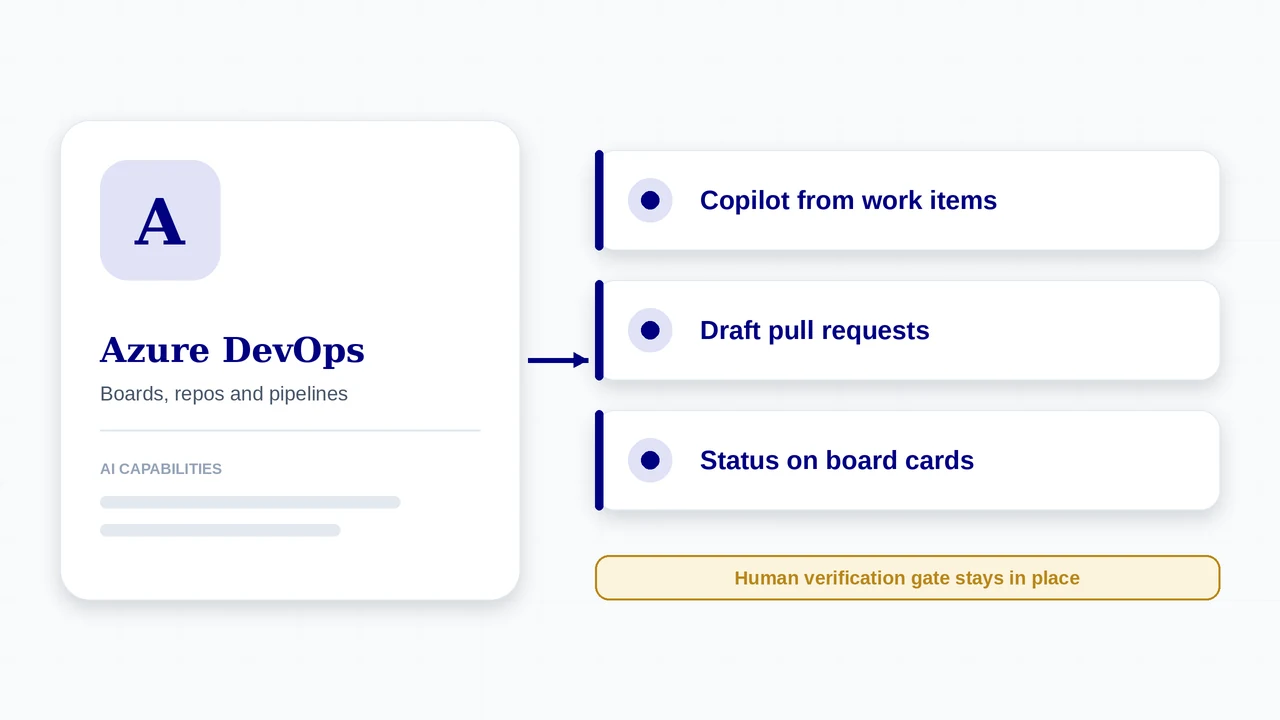
- From Azure Boards, kick off a task and use the Copilot coding agent to generate code; Copilot creates a draft pull request linked to the work item
- Choose the target GitHub repository and branch, with Copilot status shown on the work item and on Kanban cards
- Azure DevOps MCP Server, which lets GitHub Copilot operate on work items, pull requests, test plans, builds, releases, and wiki pages in your projects
- GitHub Advanced Security for Azure DevOps for security testing, plus Azure Pipelines for CI/CD and Azure Test Plans for manual and exploratory testing
- Shares the work item title, description fields such as acceptance criteria, comments, and a link back to the work item with Copilot
Plans and Pricing
Azure DevOps prices come from Microsoft’s own pricing page. GitHub Copilot prices are third-party reports; GitHub changed Copilot billing to AI credits on June 1, 2026 and adjusted sign-up availability during 2026, so confirm on GitHub’s pricing page.
| Plan | Price | What you get |
|---|---|---|
| Stakeholder | Free, unlimited users | Limited access suited to people who only need to view and comment on work. |
| Basic | First 5 users free, then $6 per user per month | Boards, backlogs, sprint planning, private Git repos, Pipelines, Artifacts, and dashboards. |
| Basic + Test Plans | $52 per user per month | Everything in Basic plus test planning, execution, exploratory testing, and user acceptance testing. |
| Azure Pipelines | 1 free Microsoft-hosted parallel job with 1,800 minutes per month; extra parallel jobs $40 each | 1 free self-hosted parallel job with unlimited minutes; extra self-hosted jobs $15 each. |
| Azure Artifacts | First 2 GiB free per organisation | Additional storage billed by usage. |
| GitHub Copilot (separate) | Free; Pro about $10; Pro+ about $39; Business about $19; Enterprise about $39 per user per month | Needed for the Copilot coding agent integration. Enterprise requires GitHub Enterprise Cloud. Usage is metered in AI credits since June 2026. |
How AI Is Charged
- The AI path costs two things: your Azure DevOps users and a GitHub Copilot licence with access to the coding agent (Pro, Pro+, Business, or Enterprise).
- The coding agent must be enabled on the repositories connected to your Azure DevOps project, and the integration uses GitHub repositories, not Azure Repos.
- Copilot usage is metered. GitHub moved Copilot to AI credits billing in June 2026, so heavy agent use adds cost beyond the flat seat price.
- Paid Azure DevOps users carry a 99.9% availability guarantee.
How to Get Started
- Make sure the code you want Copilot to change lives in a GitHub repository (Azure Repos is not supported for this integration).
- Install the Azure Boards application on GitHub and authorise it in your Azure DevOps organisation and project. Use GitHub App authentication; personal access tokens are not supported.
- If the app is already installed, approve the permission changes so it can talk to GitHub Copilot.
- Confirm each user has a GitHub account with Copilot access (Pro, Pro+, Business, or Enterprise) and that the coding agent is enabled on the repositories.
- Check that Contribute access to work items and the ability to link artifacts are in place for the people who will use it.
Sending a work item to Copilot from Azure Boards
- Write the item well. Copilot reads the title, description, acceptance criteria, reproduction steps, and recent comments (reported as the last 50), so clear inputs matter.
- Open the work item in Azure Boards (any work item type in the requirements or task categories, across process templates).
- Choose the repository under GitHub repository, and a branch if needed, then start Copilot.
- Watch status. Copilot’s state appears on the work item and on the Kanban card.
- Review the draft pull request. Copilot opens a draft PR linked to the work item; collaborate with the agent in the GitHub pull request.
- Verify and merge. Your automated gates and a human reviewer decide whether it meets the Definition of Done.
Who It Fits
A good fit when
- You already use Azure DevOps and GitHub and want Copilot driven from your boards
- You need CI/CD, test management, and boards under one licence structure
- You want end-to-end traceability from work item to pull request
- You operate in regulated environments that favour Microsoft compliance
Watch out for
- GitHub repositories only for the Copilot integration; Azure Repos is not supported
- Dependencies between work items are not supported in the integration
- Rollout is staged, so the feature may not be visible in every organisation yet
- Two bills to model: Azure DevOps and GitHub Copilot, with metered AI usage
What’s New
- The GitHub Copilot integration for Azure Boards reached general availability in Azure DevOps Sprint 268, rolling out in stages across organisations.
- Requirements: GitHub repositories only (Azure Repos is not supported), GitHub App authentication rather than personal access tokens, and a GitHub Copilot licence with the coding agent enabled on the repository.
- Handling dependencies between work items is not supported.
- Microsoft promotes Agentic DevOps resources and a stronger GitHub and Azure DevOps pairing, plus an Azure DevOps MCP Server for Copilot.
Features, plans, and prices for AI change quickly. Confirm availability, pricing, and data handling on the official Azure DevOps site before you commit. Azure DevOps details and prices come from Microsoft documentation. Copilot prices are third-party reports, and rollout of the integration is staged.
Using It in AI-Augmented Scrum
A platform’s AI features do not change who is accountable for what ships. This table maps the platform to each Scrum event, and the cards below show how it connects to the framework.
| Scrum event | What the platform offers | What stays with the Scrum Team |
|---|---|---|
| Sprint Planning | Boards, backlogs, and sprint planning; choose which items to send to Copilot | The team commits to the Sprint Goal and decides what agents take |
| Daily Scrum | Kanban cards show Copilot status for items in flight | The team inspects progress toward the Sprint Goal |
| Review | Draft pull requests stay linked to work items; Pipelines and GitHub Advanced Security provide automated gates | People review pull requests and accept work against the Definition of Done |
| Retrospective | Linked work items and pull requests give traceable evidence of agent work | The team decides how to improve work item quality and review |
Traceability
The draft pull request stays linked to the work item, which gives you an audit trail from requirement to change.
Quality of the input
The agent reads the description, acceptance criteria, and comments. Vague stories produce vague pull requests, which is exactly what the requirement-or-model test is for.
Verification
A draft pull request is a proposal. Make human review and your automated gates a blocking part of the Definition of Done before merge.
Frequently Asked Questions
Is Azure DevOps free?
The first five Basic users are free, and Stakeholders are free and unlimited. After that, Basic is $6 per user per month.
Do I need GitHub to use Copilot with Azure DevOps?
Yes. The integration works with GitHub repositories and GitHub App authentication, and needs a GitHub Copilot licence. Azure Repos is not supported.
What does the Copilot integration share with the agent?
The work item title, large text fields such as the description and acceptance criteria, comments, and a link back to the work item.
Can Copilot merge its own pull requests?
The integration creates a draft pull request linked to the work item. Merging remains a human decision under your review and Definition of Done.
Sources
- Azure DevOps (official product page)
- Azure DevOps Services pricing (Microsoft)
- Azure DevOps release notes: Sprint 268 update
- Use GitHub Copilot with Azure Boards (Microsoft Learn)
- Integrate Copilot coding agent with Azure Boards (GitHub Docs)
- GitHub Copilot cost 2026 (third-party)
Azure DevOps and its logo are trademarks of their respective owners. AI-Augmented Scrum is not affiliated with or endorsed by the vendor. Prices are list prices at the time of checking, exclude tax, and change often. Screenshots show the vendor’s product or a product demo on its website and are used for identification and review. Frames marked “Screenshot placeholder” have not been replaced yet.
Put It to Work
Use the framework tools alongside Azure DevOps: route the work, define done, and inspect the sprint.
AI Scrum Master
Acceleration Course
An Interactive Hands-on course for Scrum Masters, Agile Coaches, and Agile Leaders
VIEW DETAILS